Why In-Browser Local Tools Are More Secure Than Cloud Servers
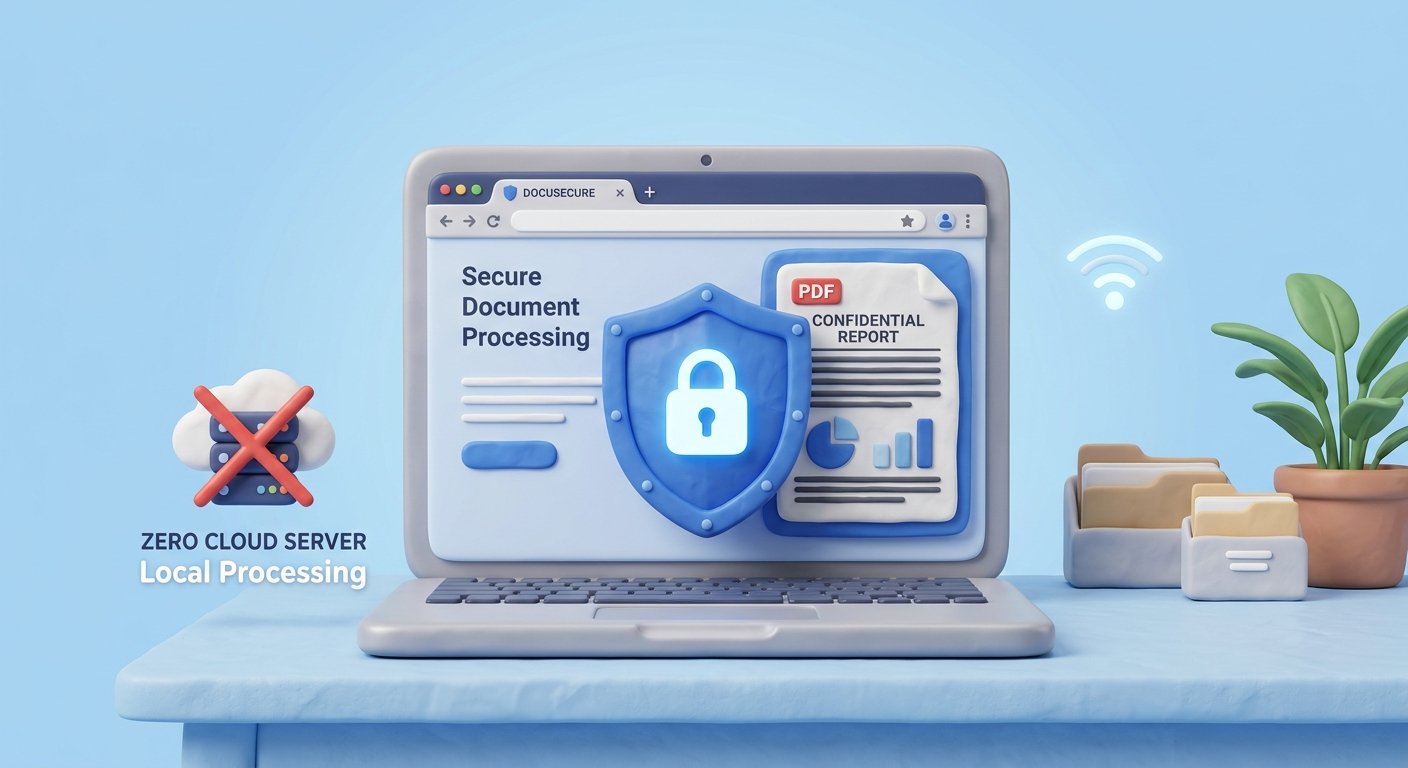
Discover why client-side WebAssembly and HTML5 tools protect sensitive document data better than traditional cloud server uploading services.
When you need to compress a PDF tax return, merge medical records, or sign a confidential non-disclosure agreement, what is the first thing you do? Like millions of people, you probably open a web browser and search for "free online PDF converter."
However, most traditional online PDF websites operate on a hidden risk architecture: they require you to upload your confidential files onto their remote cloud servers. Once uploaded, your sensitive files sit on third-party drives where they could be exposed to data breaches, unauthorized server logging, or permanent storage policy oversights.
Using in-browser, client-side PDF tools eliminates this vulnerability entirely. In this article, we explain the technical architecture behind client-side browser sandboxing, compare cloud vs local security models, and demonstrate how WebAssembly enables native speed with 100% privacy.