How to Sign PDF Documents Online Securely and Privately
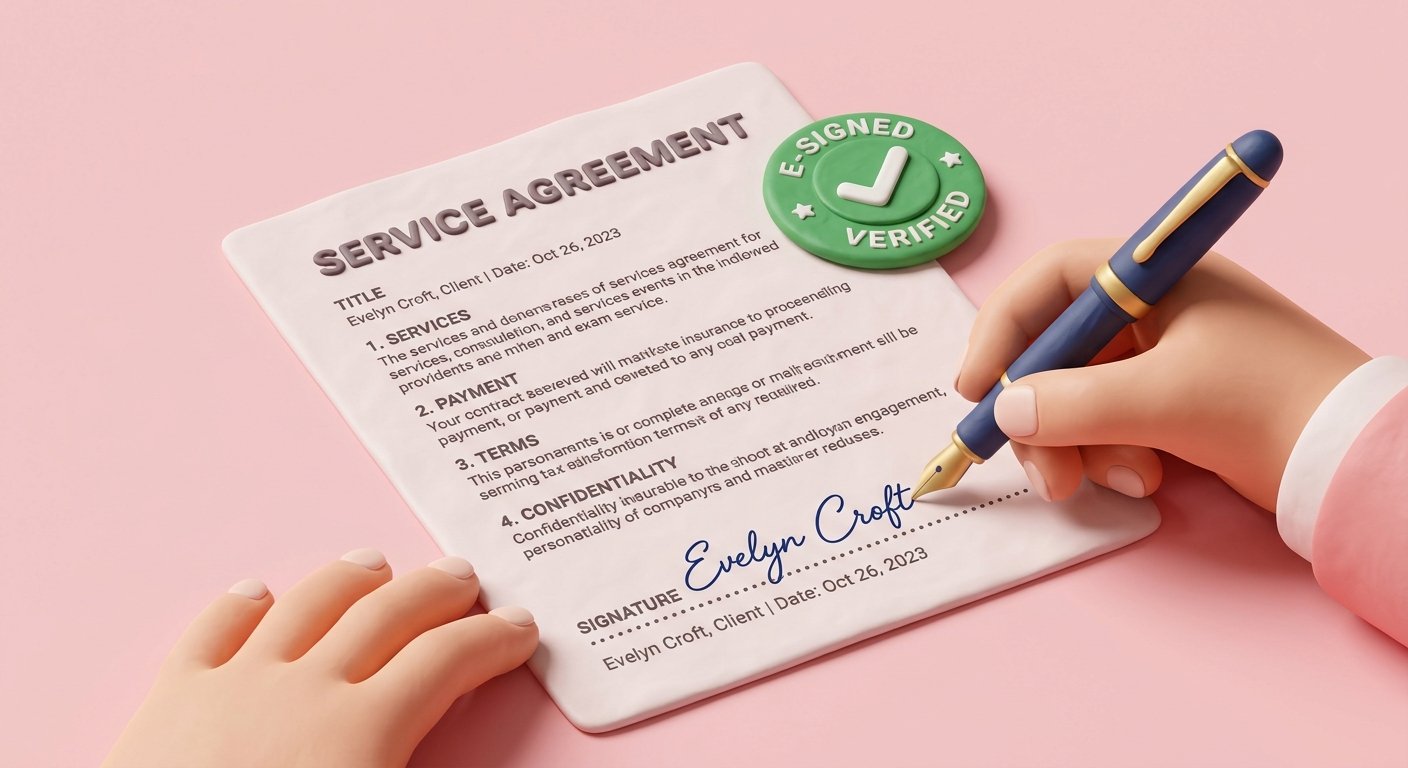
Create and overlay digital signatures on PDF contracts, NDAs, and forms. Learn how to draw transparent signatures safely in your browser.
Printing out a 15-page contract, manually signing the last page with a pen, walking to a scanner, scanning the paper back to your computer, and emailing the PDF back to a client is an outdated, 20-minute chore.
In today's fast-paced digital business world, electronic signatures and online PDF forms enable instant contract execution—allowing sales deals, job offers, NDAs, and lease agreements to be signed in seconds on desktop or mobile devices.
In this guide, we break down electronic signature legalities, demonstrate how to draw transparent digital signatures, explain placement best practices, and address security concerns.