How to Crop, Resize, and Optimize Images for Web and Email
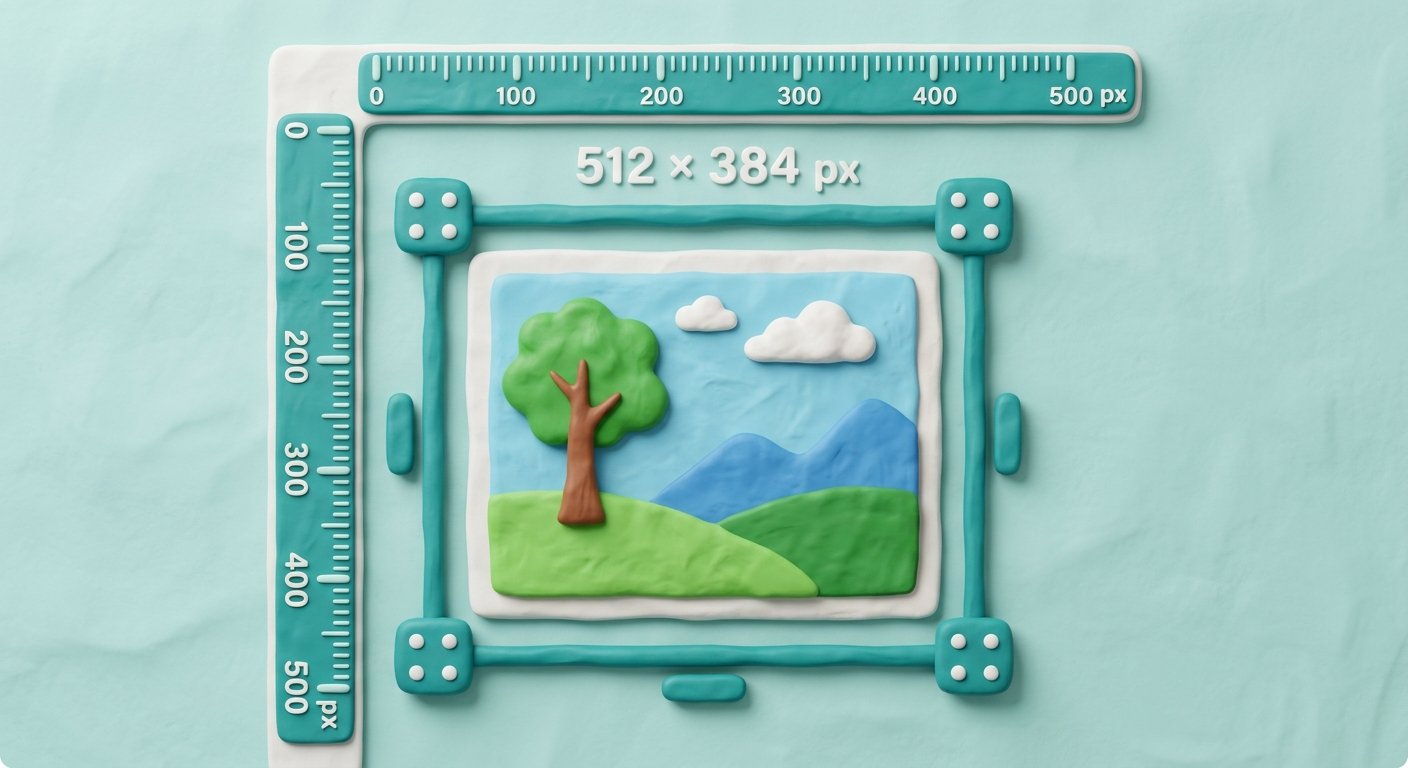
Learn how to crop unwanted margins, adjust pixel dimensions, and compress photos for fast website loading and clean email attachments.
In the modern visual web, high-quality images drive engagement across blog posts, social media, ecommerce stores, and email newsletters. However, uploading un-optimized, raw 12-megapixel camera photos directly to a website or email is a recipe for disaster.
Oversized images slow down website page loading times, hurt search engine rankings, drain mobile user bandwidth, and cause email attachments to bounce back.
Learning how to properly crop your image, resize image dimensions, and compress your image assets solves these performance bottlenecks. In this guide, we explore image optimization fundamentals, provide step-by-step instructions, and share professional graphic design tips.