How to Convert Excel Spreadsheets into Clean PDF Documents
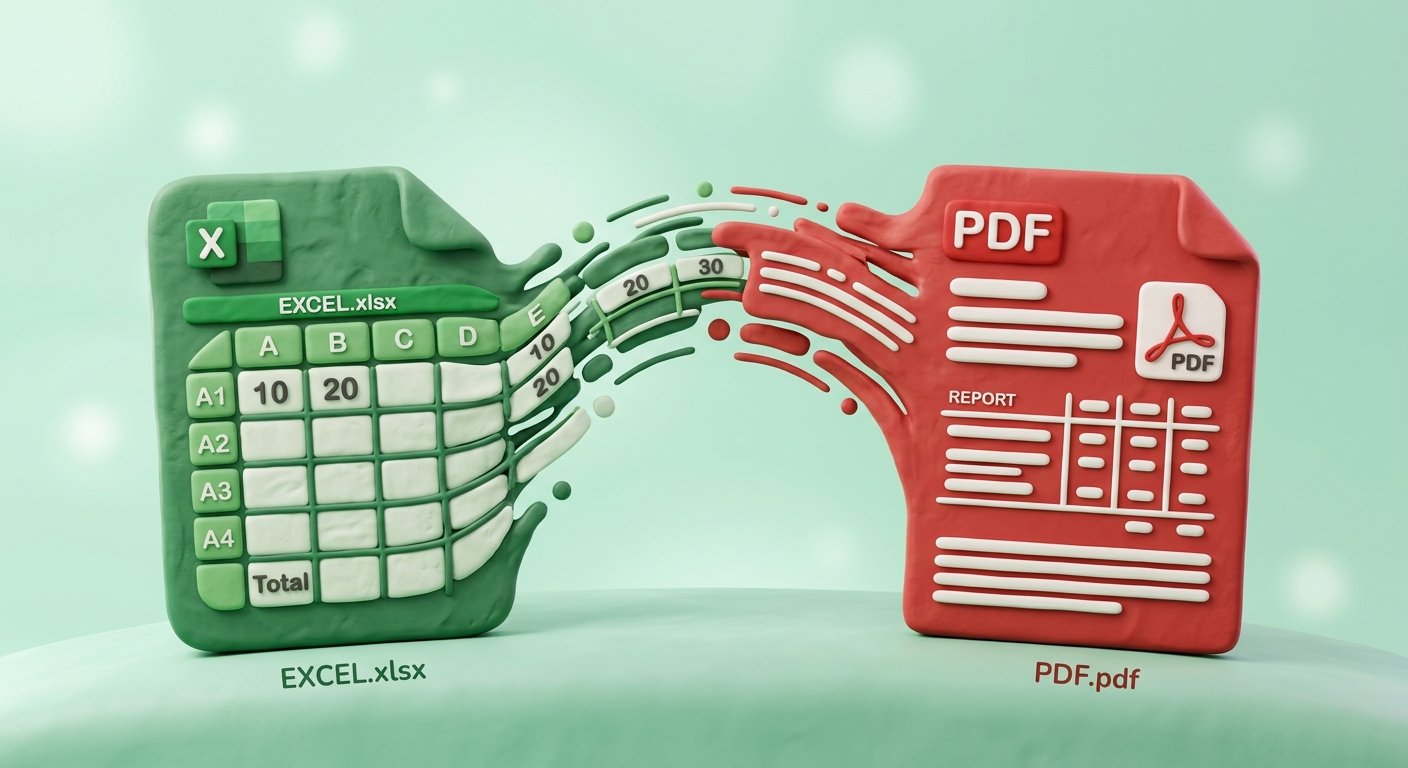
Convert XLSX and XLS spreadsheets to clean, well-aligned PDF documents. Learn page setup, grid alignment, and table formatting tips.
Microsoft Excel is the world's most popular software for financial modeling, budgeting, inventory tracking, and data analysis. However, sharing raw XLSX spreadsheet files with external clients, auditors, or executive leadership comes with significant risks.
Unprotected Excel files allow recipients to accidentally overwrite cell formulas, expose confidential pricing logic, or experience messy table layouts when opening files on different screen resolutions.
Converting your Excel spreadsheets into fixed-layout PDF documents eliminates these risks. In this guide, we cover page setup best practices, column alignment strategies, and step-by-step conversion instructions.