How to Compress PDF Files Without Losing Visual Quality
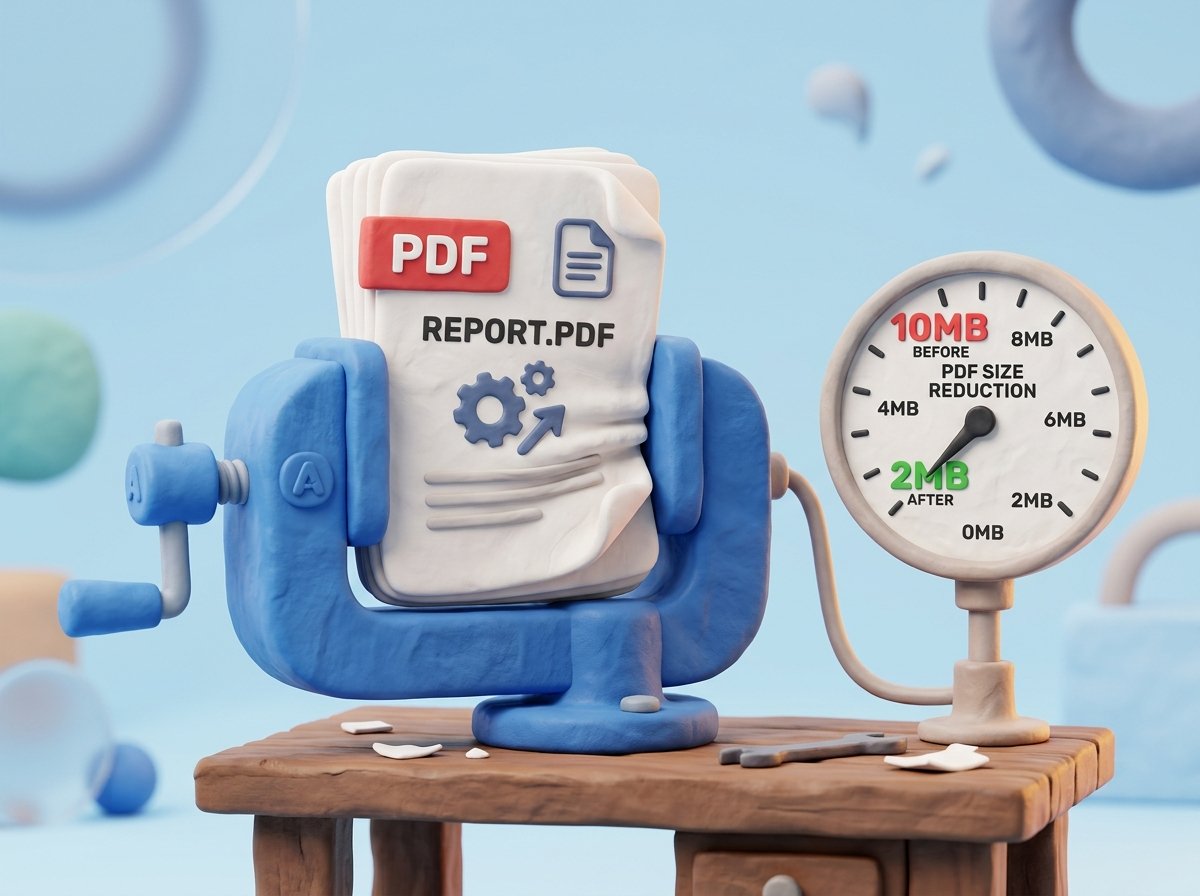
Learn how to reduce heavy PDF file sizes while keeping crisp text and sharp image resolution. Complete guide to smart in-browser PDF compression.
Have you ever tried sending an important PDF contract or presentation via email, only to be blocked by a popup declaring "File size exceeds limit"? Or spent minutes waiting for a government portal or job application page to accept your scanned document upload?
Large PDF files are a frequent bottleneck in modern digital workflows. Heavy high-resolution photo attachments, uncompressed scanner outputs, and embedded font packages can easily inflate a simple multi-page document into a 50MB file.
Fortunately, you do not need expensive desktop publishing software to shrink your files. By leveraging smart in-browser PDF compression, you can shrink document sizes by up to 80% while retaining high visual clarity for text and images.